espresso by Kensington Magnetic Privacy Screen Review
Review of the espresso by Kensington Magnetic Privacy Screen for espresso Displays. Real privacy, clarity, and comfort for nomads.
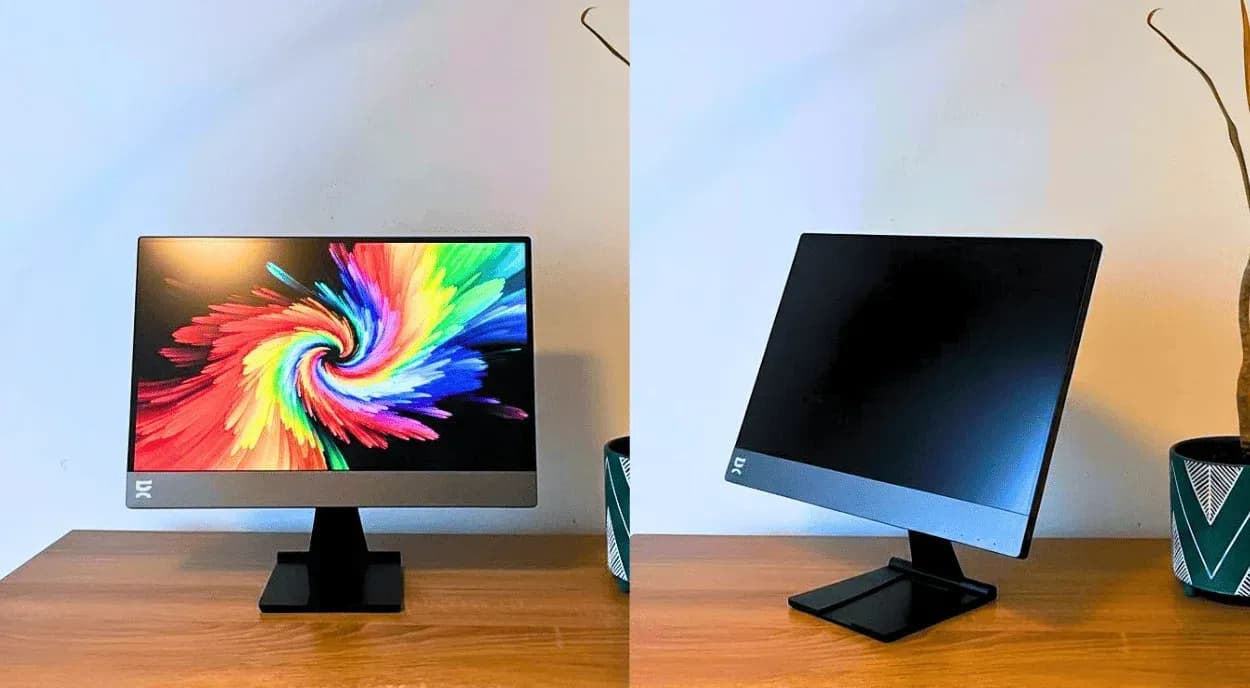

When digital nomads talk about privacy, we usually think about cybersecurity and VPNs. What I hadn’t really thought about though, was how exposed my second screen was in coworking spaces, basically a public TV with every tab visible to whoever sat next to me. As a long-time espresso Display user, I decided to give the espresso by Kensington Magnetic Privacy Screen a try. Here’s what you should know before buying one for yourself.
What is the espresso by Kensington Magnetic Privacy Screen?
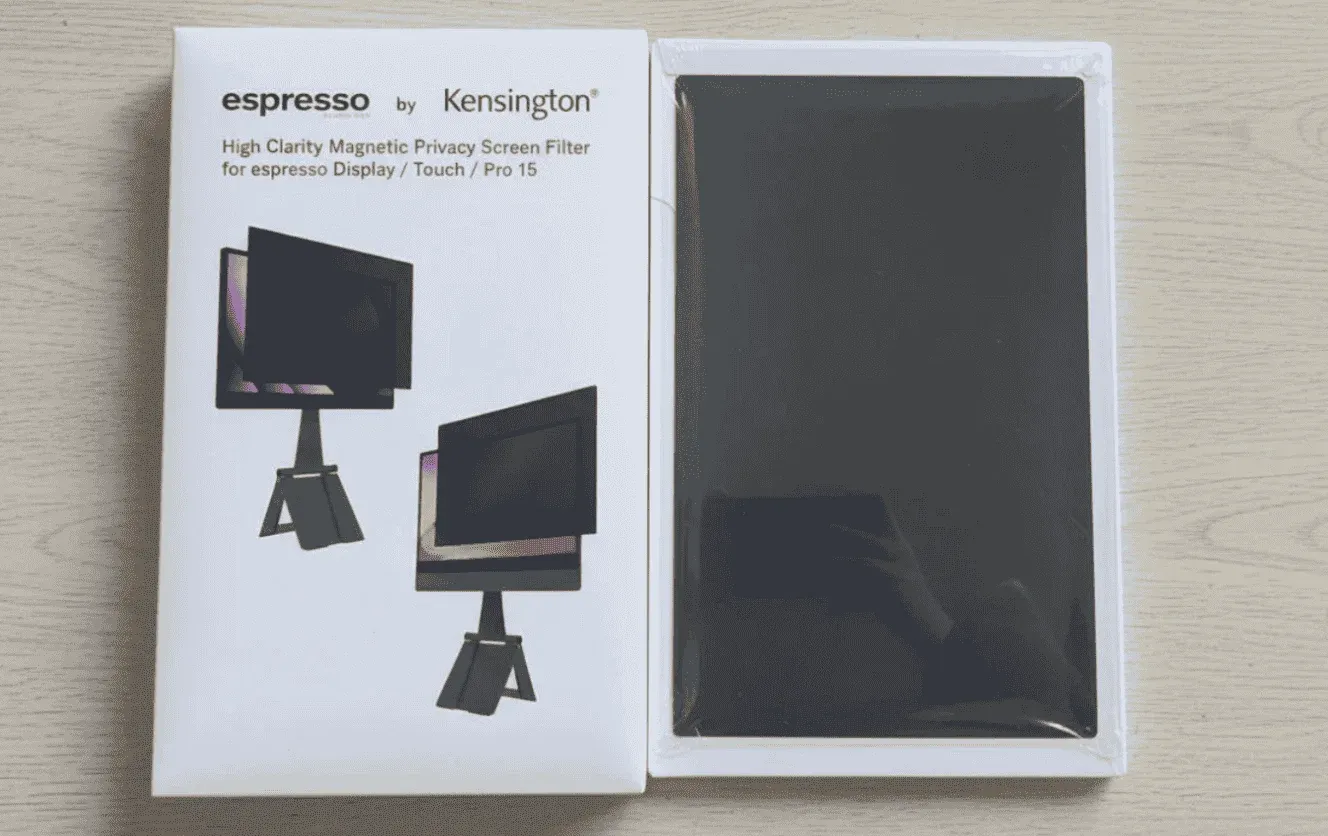
The espresso by Kensington Magnetic Privacy Screen is a high-clarity, magnetic privacy screen filter made specifically for espresso Displays, including espresso Display 15, espresso Touch, espresso Pro 15, and espresso Pro 17.
It’s the result of a collaboration between espresso Displays, makers of some of the most popular portable monitors, and Kensington, an established name in privacy and security accessories, to make working in shared or public spaces feel less exposed for remote workers and digital nomads who rely on a second screen.
The idea is simple: you clip it on magnetically when you need privacy, take it off when you don’t, so it never feels like a permanent commitment. When it’s on, it’s meant to block side views so people sitting next to you in cafés, coworking spaces, or airports can’t see what’s on your screen, without forcing you to dim the display or constantly tilt it away.
It also promises reduced eye strain thanks to built-in blue light reduction (filtering up to 52% of harmful blue light), which should help during long workdays, especially in bright environments where you’d normally push screen brightness higher.
On paper, this screen filter sounds like a smart add-on that solves a very real problem for nomads, so we put it to the test to see how it actually performs in the real digital nomad world.
Installation and My First Impressions
Inside the packaging, you basically get the privacy screen itself, plus a microfiber cleaning cloth for maintenance.
To install it, I lined it up with the top edge of my espresso Display, and the magnets clicked it into place straight away. No stickers or clips needed. It sat flush, didn’t move around, and didn’t feel fragile or flimsy.
Taking it off was just as easy: lift from the corner, slide it back into my backpack (it weighs just under 0.08 lbs), and you're done. Because espresso’s setup is already built around magnetic accessories (like the stand and cable routing), this felt like it naturally belonged with the rest of my gear.
First impression-wise, it felt very “espresso”: minimal, well-fitted, and clearly designed for people who travel with their setup. Nothing about it felt permanent or annoying, which is exactly what you want from something you’ll only use when you’re working in public.
Right away, I noticed how it changed the look of the screen from the sides, while still staying crystal clear head-on (which I’ll get into more below). And for a nomad who’s spent far too many hours awkwardly trying to shield a second screen from prying eyes, that simple click-on, click-off experience genuinely impressed me.
In terms of pricing, this screen costs around $79 for the 15-inch models and $95 for the 17-inch version. That’s more than generic privacy filters you’ll find online, but those are usually universal, adhesive-based, and often compromise on clarity or ease of use.
Does It Actually Stop People From Seeing Your Screen?
Short answer: yes, in real life, it does.
I tested the espresso by Kensington Magnetic Privacy Screen in a handful of shared working spots (cafés, coworking spaces, airports, and even on a plane) and from just a few inches off to the side, the screen went almost completely dark. Anyone nearby could only see a vague blur, not actual content.
Here’s how it looks in practice:
| Viewing angle | What you see | Privacy level |
|---|---|---|
| Straight on (0°) | Text and contrast stay sharp and readable, even in bright natural light, without needing to max out brightness. | None (full visibility) |
| Slight angle (~10°) | Still readable, but noticeably darker. Fine details already start to disappear for someone next to you. | Low |
| Medium angle (~20°) | The image becomes blurry and hard to make out. You can tell something is on the screen, but not what it is. | High |
| Sharp angle (~30°+) | The screen appears almost completely black, effectively blocking side glances in shared or public spaces. | Maximum |
This works thanks to microlouver privacy tech (around ±30° viewing angle), meaning only someone directly in front of the display sees a clear image, while everyone else sees a darkened screen.
Also, compared to generic privacy filters I’ve used before, this one feels noticeably clearer head-on, more effective off-angle, and easier to live with day to day. The surface also feels tougher than cheaper filters, thanks to its durable coating, which matters when you’re constantly sliding it in and out of a sleeve while moving around.
How Much Does It Change the Screen Experience?
With the privacy screen on, the espresso Display still feels like an espresso Display. Head-on, clarity and sharpness stay pretty much the same. Text remains crisp, small fonts are easy to read, and I didn’t feel like contrast took a meaningful hit. I’ve spent full workdays reading and writing with it on, and it never felt uncomfortable or tiring.
I tested it on both the Display 15 and Pro 17, and the experience was very similar on both. The 17” obviously gives you a bit more breathing room just because of the size, but in terms of sharpness, readability, and privacy effect, I didn’t notice any meaningful difference between the two. It scales well, which is great if you switch between setups or plan to upgrade your screen later.
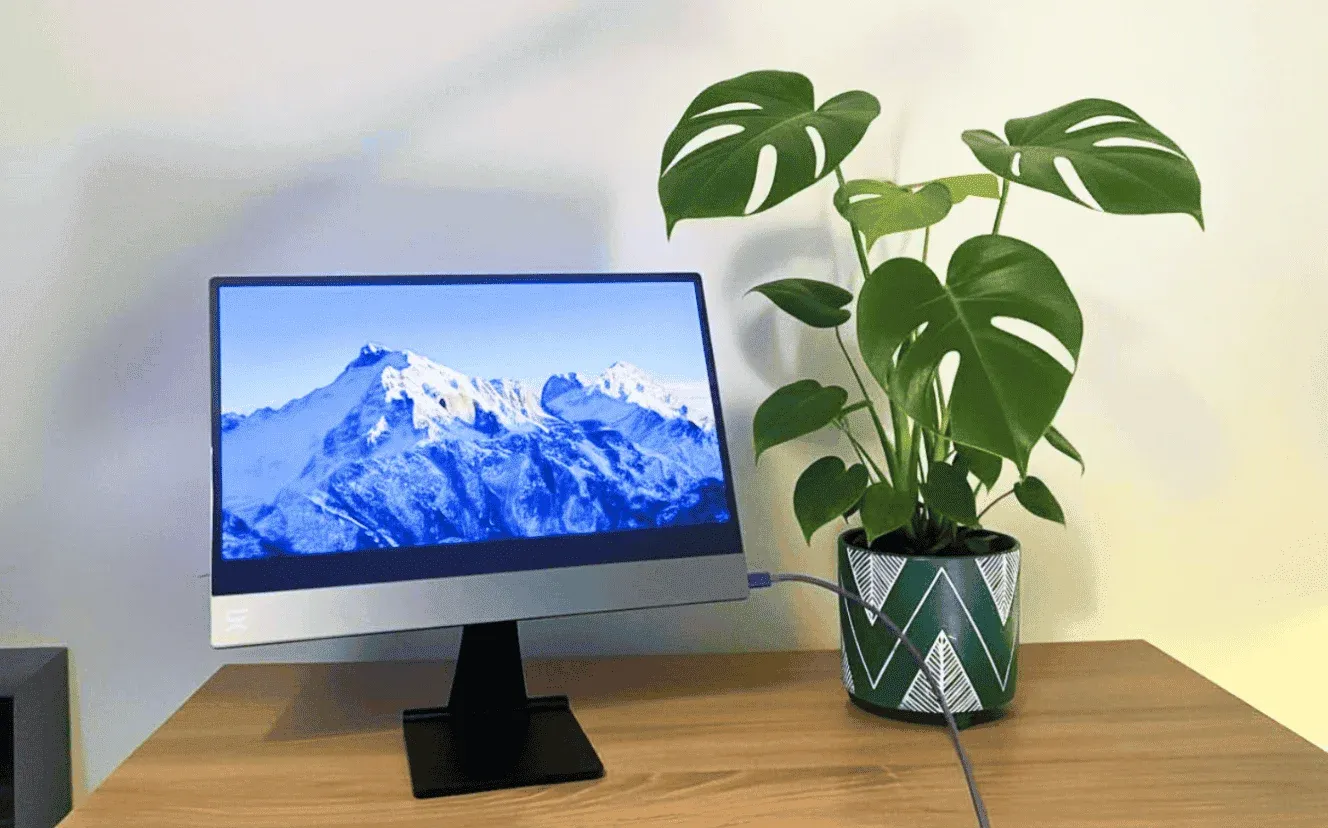
In bright environments, I did bump brightness slightly, but glare and reflections were actually better than expected. The anti-reflective coating helped in sunlit cafés and near windows, and in some cases it felt less reflective than the bare screen. After a few hours, I genuinely forgot the filter was there.
Does It Make Long Workdays Easier on Your Eyes?
I wouldn’t say you put the privacy screen on and suddenly feel a dramatic difference, but after long stretches of work, my eyes felt less tired than usual. That’s probably a mix of the blue-light reduction and the anti-reflective coating doing their thing, especially in cafés and coworking spaces with harsh overhead lighting or lots of daylight bouncing around. Normally, I’d crank brightness up and power through, but with the filter on, I found myself doing that less.
It doesn’t magically fix eye fatigue, and you’ll still want breaks, but over long workdays, it makes the screen more comfortable to live with. After a while, I stopped thinking about it altogether, which is usually a good sign something’s doing its job.
Who This Privacy Screen Is For (and Who It’s Not)
Get it if:
- You work from cafés, coworking spaces, airports, or planes
- You use an espresso Display as a second screen
- You deal with client work, dashboards, or sensitive info in public
- You want real privacy without killing clarity or comfort
- You like accessories that snap on/off and don’t feel permanent
Skip it if:
- You mostly work from home or private offices
- You’re not already using an espresso monitor
- You’re looking for a more affordable yet less premium option
Final Verdict: Is It Worth Buying?
If you already use an espresso Display and spend a lot of time working in public, the espresso by Kensington Magnetic Privacy Screen is one of those accessories that quietly earns its place in your setup. Yes, at $79 for the 15-inch and $95 for the 17-inch, it’s more expensive than more generic privacy filters, but it also avoids most of their usual frustrations.
What I liked most is that it doesn’t force trade-offs. Privacy is solid, clarity stays good, glare is reduced, and eye comfort improves slightly over long days. It’s easy to put on, easy to take off, and easy to forget about once you’re working, which is exactly how a good accessory should behave.
Ready to Give espresso by Kensington Magnetic Privacy Screen a Try?

Find places, workspaces, events and a community that gets you.
Get Pro access
Written by
Angelina Bertoni
After trying the conventional life, I packed everything into a backpack and started walking the world. I feel the energy of the spaces I explore — and that’s what I write about.

Freaking Nomads is supported by you. Clicking through our links may earn us a small affiliate commission, and that's what allows us to keep producing free, helpful content. Learn more
Read Next

Argentina for Digital Nomads and Remote Workers: The Ultimate Guide


The 6 Best Austrian eSIMs for Travel (Tried and Tested)