Best Laptop Screen Protectors for Digital Nomads
Protect your eyes and laptop with our top screen protector picks for digital nomads. Stay glare-free and work comfortably anywhere.
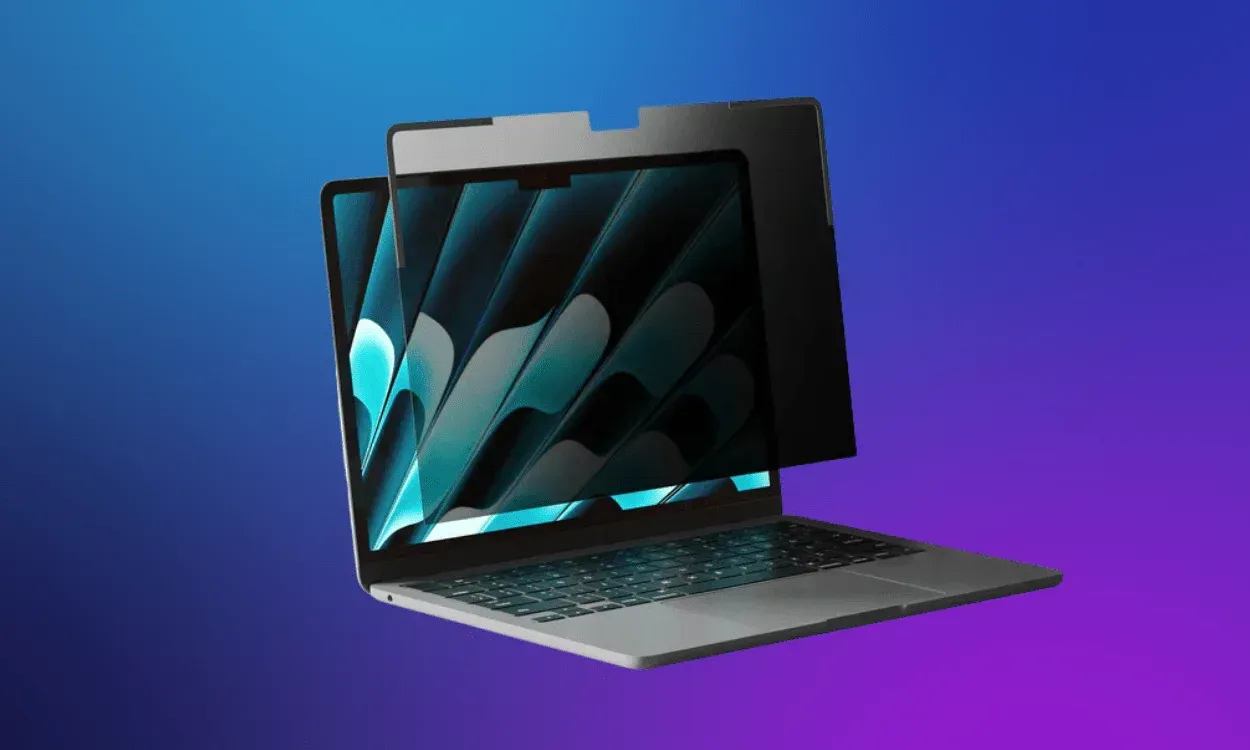

As digital nomads, our laptops are our offices, but all that screen time comes at a cost. Headaches, dry eyes, blurred vision…
Luckily, anti-blue light and anti-glare screen protectors can make a huge difference. They ease eye strain and keep your screen safe while you work from a café or coworking space.
Here are the 4 best laptop screen protectors for digital nomads, so you can keep your vision (and your laptop) crystal clear wherever you work next.
Why Use a Laptop Screen Protector?
For digital nomads, a laptop screen protector is one of those small upgrades that makes a big difference. When you’re working remotely, the constant packing, unpacking, and travel days don’t exactly go easy on your laptop. A good screen protector helps prevent scratches, cracks, and smudges, keeping your device in top shape no matter how many airports or cafés it’s seen.
But for me, the real reason to use one goes beyond protection. After years of 10+ hour workdays, I started noticing my vision getting worse. That’s when I discovered anti-blue light screen protectors. They filter out harmful high-energy visible (HEV) blue light, the same light that disrupts your sleep and may even damage the cells in your eyes over time.
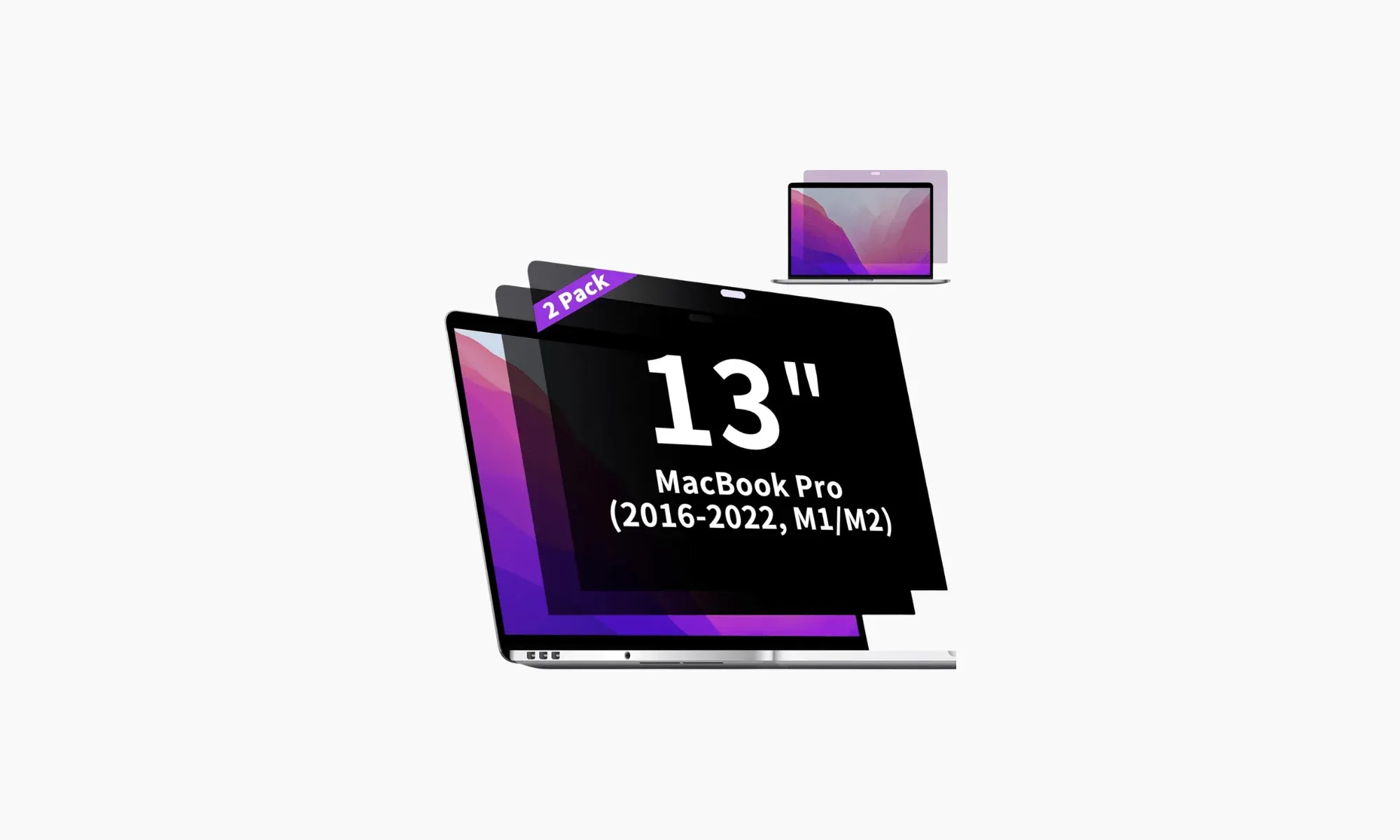
Another underrated benefit is privacy. When you’re working from cafés, airports, or shared spaces, it’s almost impossible to avoid the occasional side glance from someone curious about what’s on your screen. Some screen protectors come with built-in privacy filters that darken the display from certain angles, so only you can see what you’re doing.
Pairing an anti-blue light, privacy screen protector with the right ergonomic equipment can go a long way in saving your eyes. Keep your screen at eye level with a laptop stand, position your keyboard and mouse comfortably, work near natural light when you can, and follow the 20-20-20 rule: every 20 minutes, look 20 feet away for 20 seconds. Trust me, your future self (and your eyesight) will thank you.
4 Best Laptop Screen Protectors for Digital Nomads
- Ocushield Anti-Blue Light Screen Protector: Best Overall
- F Forito Anti-Blue Light Laptop Screen Protector: Best Budget
- Mamol Magnetic Laptop Privacy Screen: Best for Quick Setup
- ANTOGOO V Laptop Blue Light Screen Protector: Best for Touchscreens
1. Ocushield Anti-Blue Light Screen Protector
Best Overall
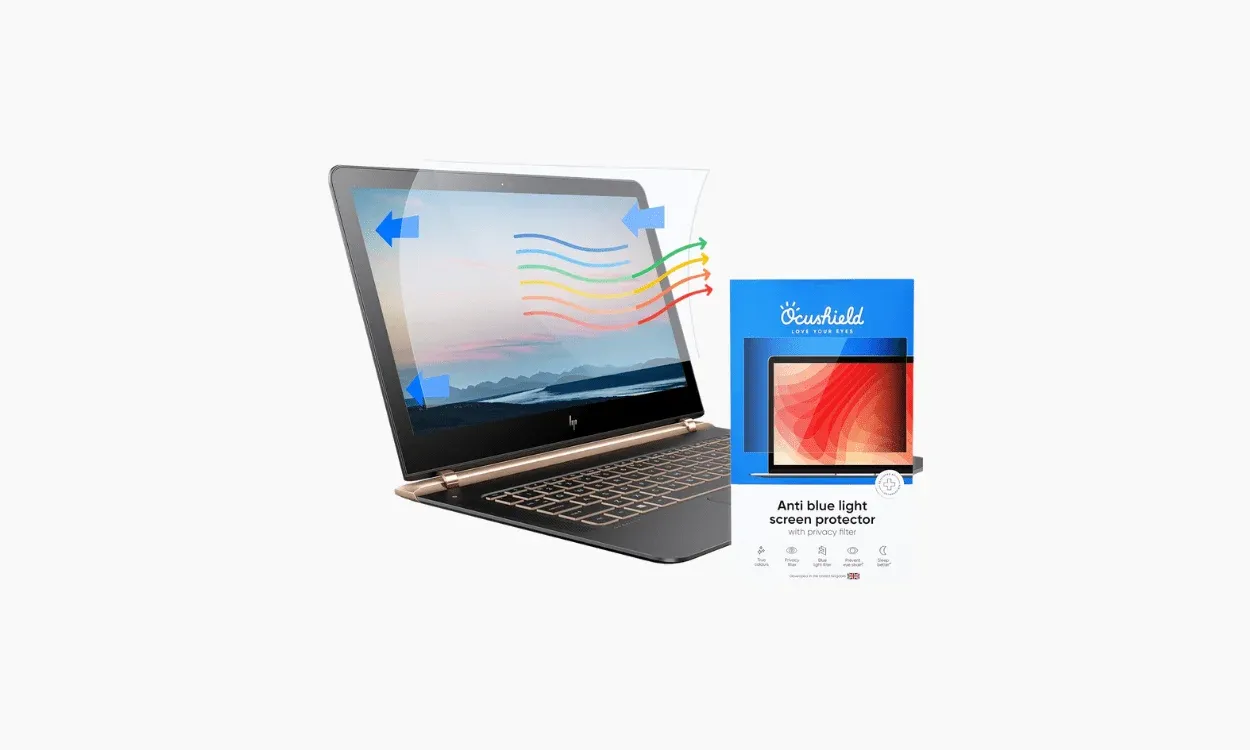
Ocushield is hands down the best screen protector available on the market. Designed by eye care experts, this medically-rated screen protector blocks up to 99% of harmful blue light while keeping your display crisp and clear.
It’s anti-glare, anti-bacterial, and scratch-resistant (9H hardness, so basically the same protection level as tempered glass). The side privacy filter is a nice bonus if you often work from cafés or coworking spaces and don’t want the person next to you reading your screen.
What I like most is that it barely affects color quality. You still get around 95% image clarity with true-to-life tones. Ocushield also makes protectors for phones, tablets, and monitors, which is great if you like keeping all your devices synced and protected.
It’s definitely on the pricier side, but for the comfort and protection you get, it’s worth every penny, especially if your laptop is your main work tool on the road.
Features
- Size Options: 11.6” to 27” displays (inc. laptops and monitors)
- Compatibility: All laptops and monitors, including MacBook Pro, MacBook Air and Surface laptops.
- Material: Plastic film
- Hardness Grade: 9H
- Application: Magnetic
- Finish: Glossy
2. F Forito Anti-Blue Light Laptop Screen Protector
Best Budget
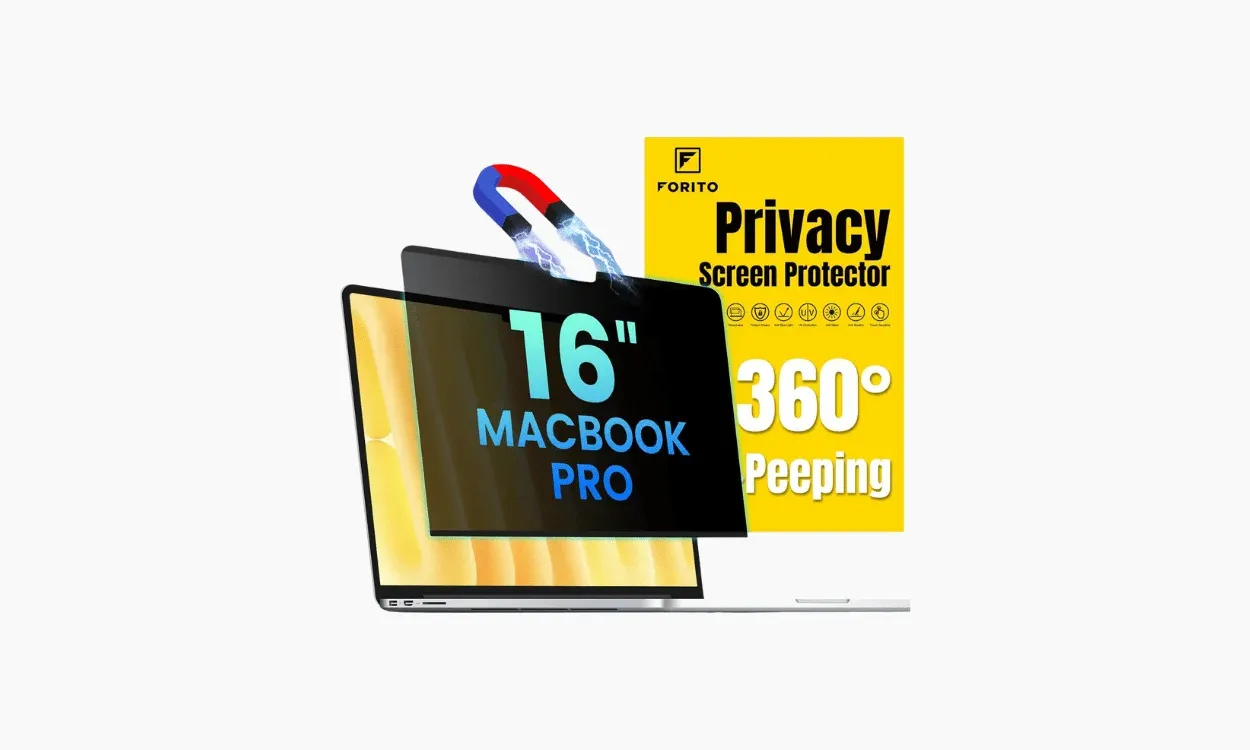
The F Forito Anti-Blue Light Screen Protector packs a lot of premium features into an affordable price: anti-glare, UV blocking, and even nine layers of blue light filtering to keep your eyes comfortable through long workdays.
The hydrophobic and oleophobic coating does a great job keeping fingerprints, smudges, and scratches off your screen. Plus, it fits snugly edge to edge, giving your laptop full coverage (something a lot of cheaper protectors miss).
On the downside, applying it perfectly can take a little patience, and getting rid of bubbles isn’t always easy. And since it doesn’t have True Colour display clarity, your screen might look a bit warmer or less vibrant.
If you care more about privacy than color accuracy, Forito also has a 360° Privacy Screen Protector that blacks out your display from every angle. It’s a little pricier and comes in fewer sizes, but it combines privacy, anti-glare, and blue light protection in one.
Features
- Size Options: 11.6” to 17.3”, 16:9 aspect ratio
- Compatibility: Lenovo, ASUS, Dell, HP, Acer, Samsung
- Material: PET plastic
- Hardness Grade: 6H
- Application: Adhesive
- Finish: Matte
3. Mamol Magnetic Laptop Privacy Screen
Best for Quick Setup
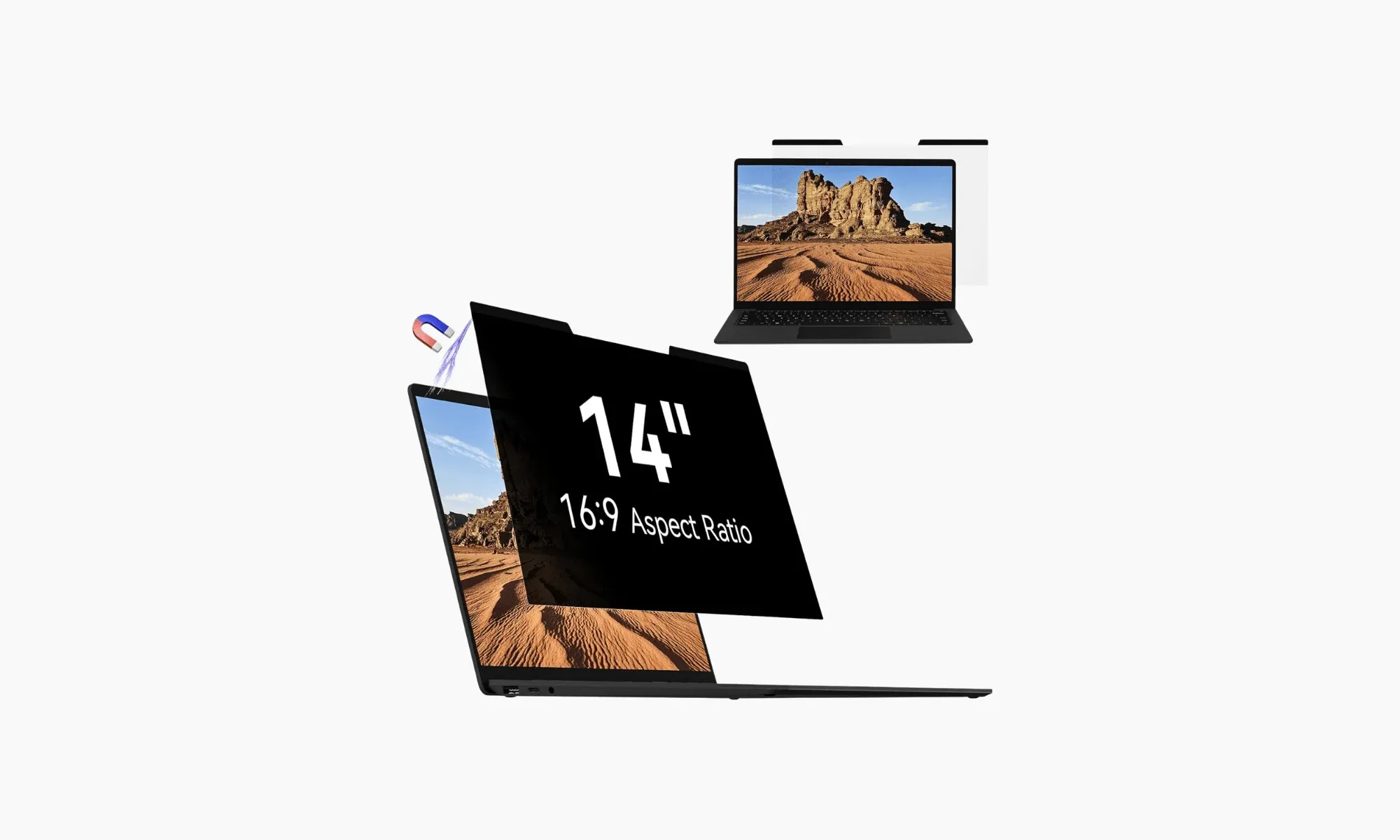
The best thing about the Mamol Magnetic Laptop Privacy Screen is how effortless it is to use. It snaps onto your screen magnetically. No fiddly stickers, no residue, no mess. You can take it off in seconds, clean it, and pop it back on whenever you need it. It even comes with a magnetic camera cover and a small clip to keep it safe when you’re not using it.
It filters out around 65% of blue light, blocks 97% of UV rays, and has a solid anti-glare layer that makes it easier to work under bright light. There’s also a built-in privacy filter that darkens your screen for anyone looking from the side. Despite all that, the display still looks crisp with around 95% clarity.
The only trade-off is that it’s not the most durable option. The 3H hardness rating means it won’t protect as well against scratches or cracks, so it’s better suited for people who value convenience over heavy-duty protection. Still, for the price and how easy it is to use, it’s one of the most practical screen protectors you can travel with.
Features
- Size Options: MacBook Air 13” and 15”, MacBook Pro 14” and 16”, Surface Laptops from 12.3” to 14.4”
- Compatibility: MacBook Air, Surface laptops (but some other general size options available)
- Material: PET plastic
- Hardness Grade: 3H
- Application: Magnetic
- Finish: Glossy and matte side
4. ANTOGOO V Laptop Blue Light Screen Protector
Best for Touchscreens
If you do most of your work on a touchscreen for design, photo editing, or just quick navigation, the ANTOGOO V Laptop Blue Light Screen Protector is your best bet. Its ultra-thin adhesive film keeps your screen’s touch sensitivity intact while still blocking blue light and cutting glare.
The clarity is impressive, too. Colors stay sharp and true, so if you’re a designer, photographer, or anyone who needs accurate visuals, this one won’t let you down. It also earns extra points for being one of the easiest adhesive protectors to apply. It naturally presses out air bubbles as you smooth it on, which saves a lot of frustration.
It’s anti-glare, anti-blue light, and resistant to smudges and fingerprints. The only downside is that it only covers the screen itself, not the surrounding frame, so you might notice a little extra glare around the edges.
Features
- Size Options: 14”, 14.6”, 15.6” 17.3”, 16:10 aspect ratio
- Compatibility: HP, Dell, Acer, ASUS, Samsung, Lenovo
- Material: PET Plastic
- Hardness Grade: 5H
- Application: Adhesive, bubble absorption design
- Finish: Matte
What to Look for in a Laptop Screen Protector
Picking a screen protector might sound simple, but the wrong one can be more annoying than useful. After testing a few on the road, here’s what I’ve learned to look for:
Compatibility
Make sure it actually fits your laptop. Seriously. Measure your screen and check your model before buying. The last thing you want is a protector that blocks your webcam, messes with your touchscreen, or keeps your laptop from closing properly.
Blue Light Filtering
If your eyes burn after a long day of staring at your screen (been there!), get one that blocks blue light. Look for something that filters around 30–60% of those HEV wavelengths. It helps reduce headaches, improves sleep, and generally makes late-night work sessions a lot more bearable.
Privacy Filters
If you’ve ever worked from a busy café or an airport lounge, you know that awkward moment when someone keeps glancing at your screen. A privacy filter fixes that. It dims the view from the sides, so only you can see what’s on your laptop. It’s great if you’re working on client projects, answering emails, or just don’t feel like sharing your to-do list with the stranger sitting next to you.
Finish
You’ll usually choose between matte and glossy. I always choose matte because it cuts glare and fingerprints, which is great when you’re working outdoors. But it can make colors look a little duller. Glossy protectors, on the other hand, keep everything crisp and bright but can turn into mirrors under sunlight.
Anti-Glare / Reflection Reduction
If you’ve ever tried to work outside and ended up squinting at your screen instead, you know the pain. Anti-glare protectors scatter light instead of reflecting it, so you can actually see what you’re doing.
Ease of Installation
There’s nothing worse than trapping a bubble under your screen. If you’re going for an adhesive protector, double-check it’s “bubble-free.” Personally, I prefer magnetic ones. They pop on and off easily and are way less hassle when you’re always on the move.
Durability and Scratch Resistance
Travel can be rough on your gear, and laptops aren’t cheap to replace. If you’re clumsy like me, go for a tempered glass protector (9H hardness is the gold standard). If you prefer something lighter and thinner, PET plastic works fine, but don’t expect the same level of protection.
Frequently Asked Questions
What’s the difference between a blue light filter and an anti-glare screen protector?
A blue light filter reduces the amount of HEV blue light wavelengths emitted by your laptop screen, whereas an anti-glare screen protector eliminates the glare and reflections caused by any external light sources, like bright lights or sunlight, ultimately improving screen visibility. However, both are essential in preventing eye strain.
Are laptop screen protectors reusable?
While some magnetic screen protectors are reusable, often any adhesive screen protectors can’t be removed or reused without impacting their quality. It’s also difficult to keep them clean and dust-free when not in use. If you want to be able to remove and reuse your screen protector, definitely prioritise a reusable magnetic model.
Will a screen protector affect screen clarity or touch sensitivity?
Most screen protectors won’t affect touchscreen usability, but if you’re worried about touch sensitivity, look for screen protectors made out of thin PET plastic film rather than the thicker, more rigid tempered glass options. The drawback to many screen protectors is that they tend to make screen displays warmer, dimmer, and less vibrant, especially if they include privacy and blue light filters. To ensure you’re not sacrificing your crystal clear display, look for screen protectors that have True Colour accuracy and at least 85% brightness transparency.
How do I know what size screen protector to buy?
It’s best to buy a screen protector made specifically for your device (especially if you’re a MacBook or Surface laptop user). Otherwise, you can simply follow the recommended guidelines to measure your laptop screen correctly.
Is a privacy screen the same as a blue light filter?
No, a privacy screen filter blacks out your laptop screen to any unwanted viewers, usually by blocking the side views, although some models can block all angles except for the user’s. The blue light filter only reduces the blue light emitted by your laptop screen.
Can I use a screen protector on top of another (like one for privacy and one for blue light)?
It’s not a good idea to use two screen protectors on top of each other, as this can impact adhesion, screen transparency, and touchscreen sensitivity, not to mention the added bulk could even damage your laptop screen. But thankfully, there’s no need to use two different screen protectors, as there are so many great options that combine all the available features you could need.
Ready to Level Up Your Remote Work Setup?
Find places, workspaces, events and a community that gets you.
Get Freaking Nomads ProAustralian freelance journalist in the UK, chasing off-beat stories and hidden histories through travel, interviewing remarkable people and exploring lesser-known places.

Freaking Nomads is supported by you. Clicking through our links may earn us a small affiliate commission, and that's what allows us to keep producing free, helpful content. Learn more
Read Next

BNESIM eSIM Honest Review
espresso by Kensington Magnetic Privacy Screen Review